Everything the board does
One workspace, nine things it does well. Nothing on this page is a roadmap item: every feature is in the app today, and each section tells you which plan it is on.
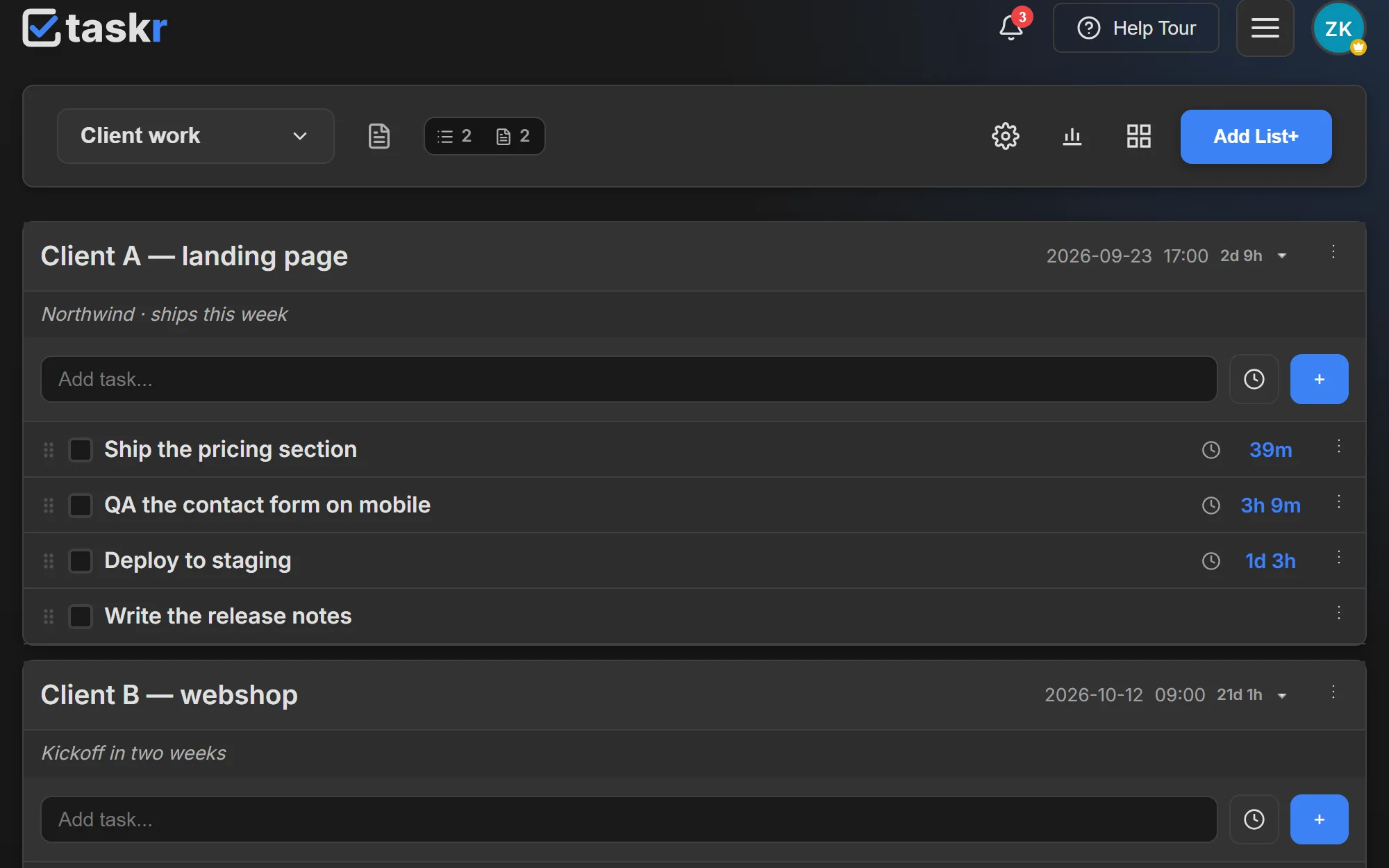
Countdown timers, on every deadline
A deadline needs a date and a time: put both on a task, or on the whole list, and the countdown starts running in days, hours and minutes. It changes colour as the deadline approaches, and the most urgent task rises to the top of its list.
- Dated tasks sort themselves: the most urgent one is always first
- Put one deadline on a list instead of repeating it on 20 tasks
- Set the orange and red thresholds yourself in Settings → Board (every plan)
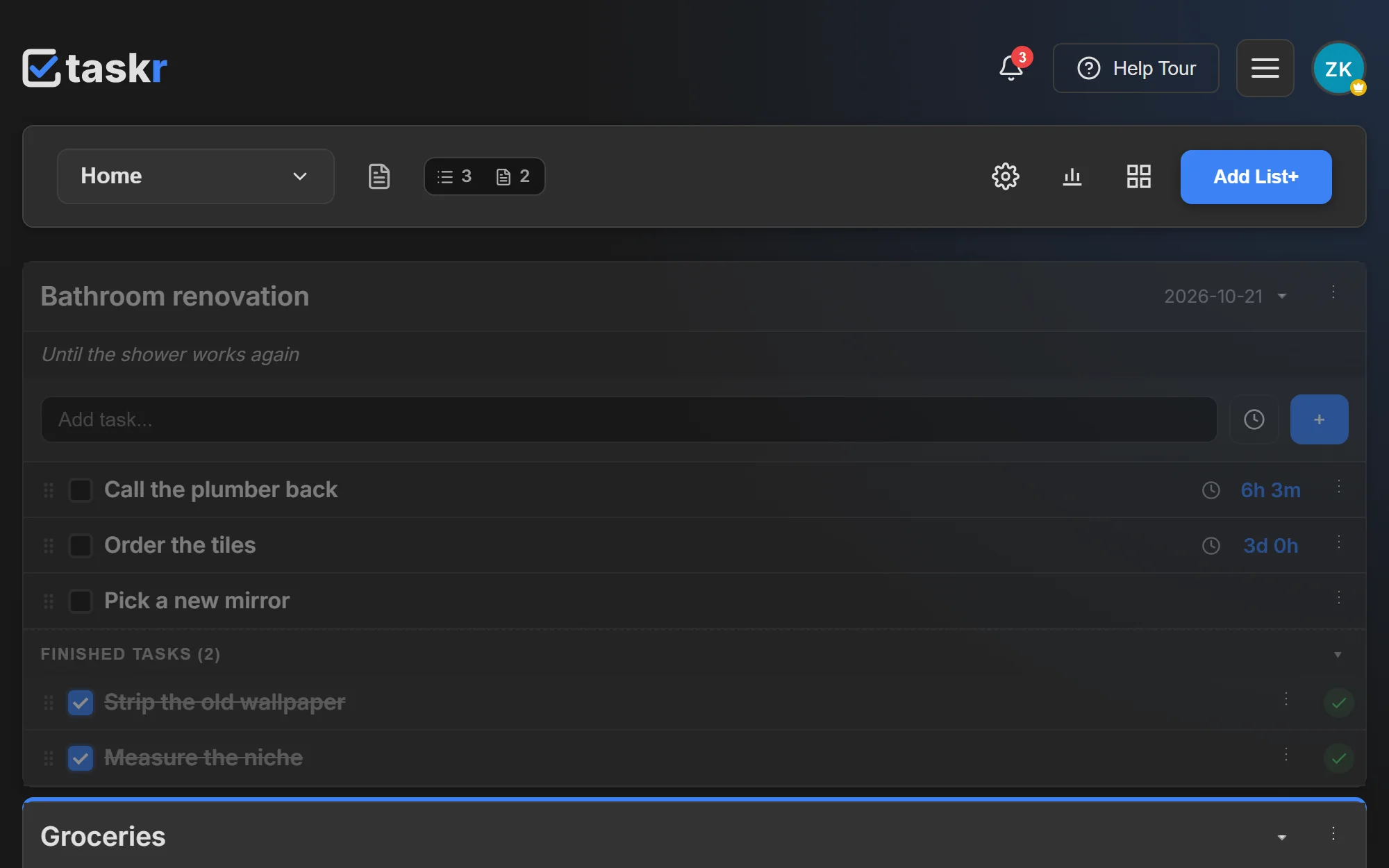
Lists you arrange by dragging
Lists go where you drag them, in the order that matches your day. Tasks with a deadline ignore that order on purpose — they push themselves up as they come due — while everything undated stays exactly where you put it.
- Drag whole lists, and tasks inside a list
- Undated tasks never get reshuffled behind your back
- Finished tasks move to their own section, history intact
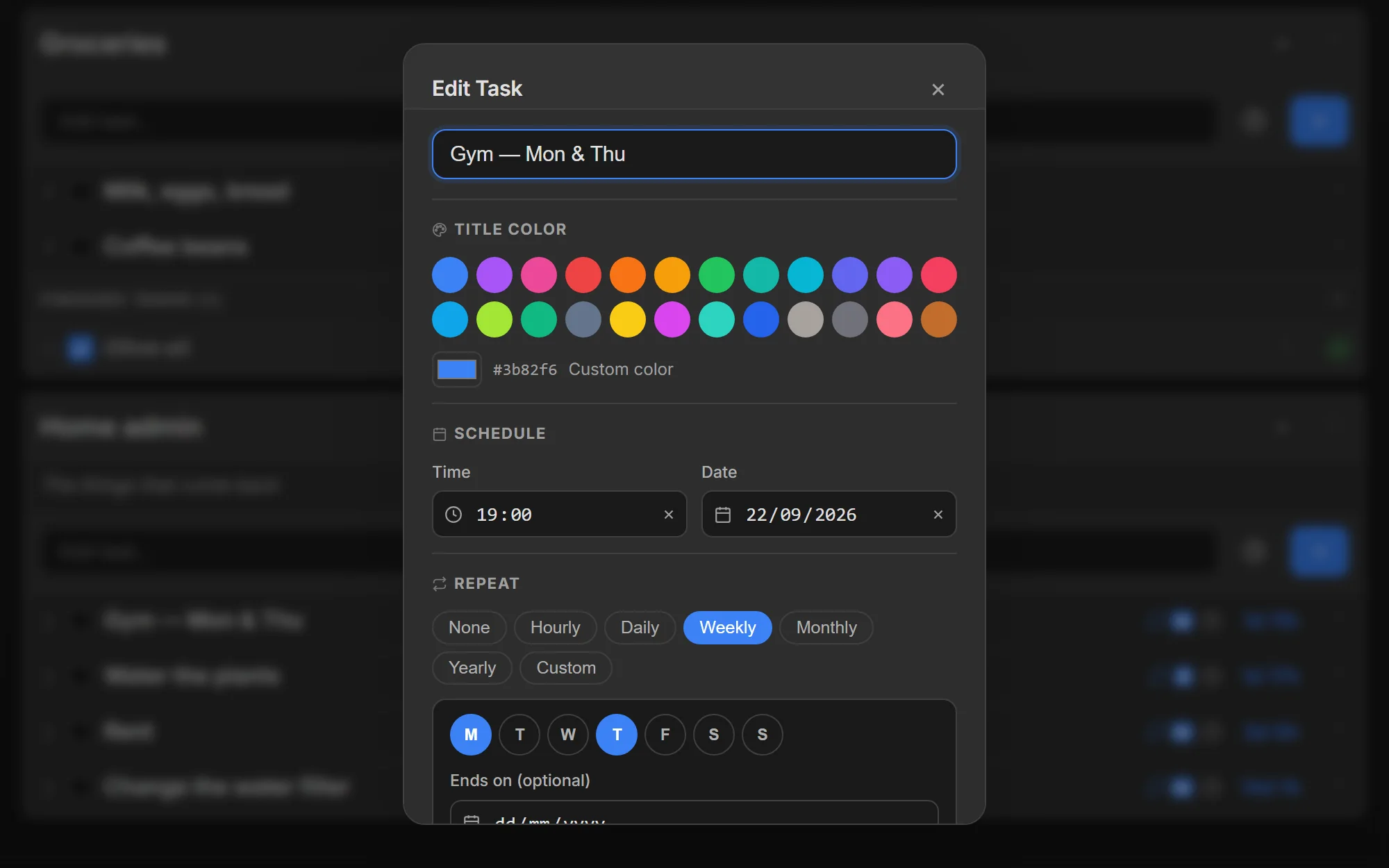
Recurring tasks that keep their series
Daily, on the weekdays you pick, or every N days, and an optional end date closes a limited run by itself. The rule lives on the task rather than as a list of pre-made copies, and completing one occurrence never touches the rest.
- Daily, chosen weekdays, or every N days
- Optional end date, so a limited run ends by itself
- Completing the task never kills the series
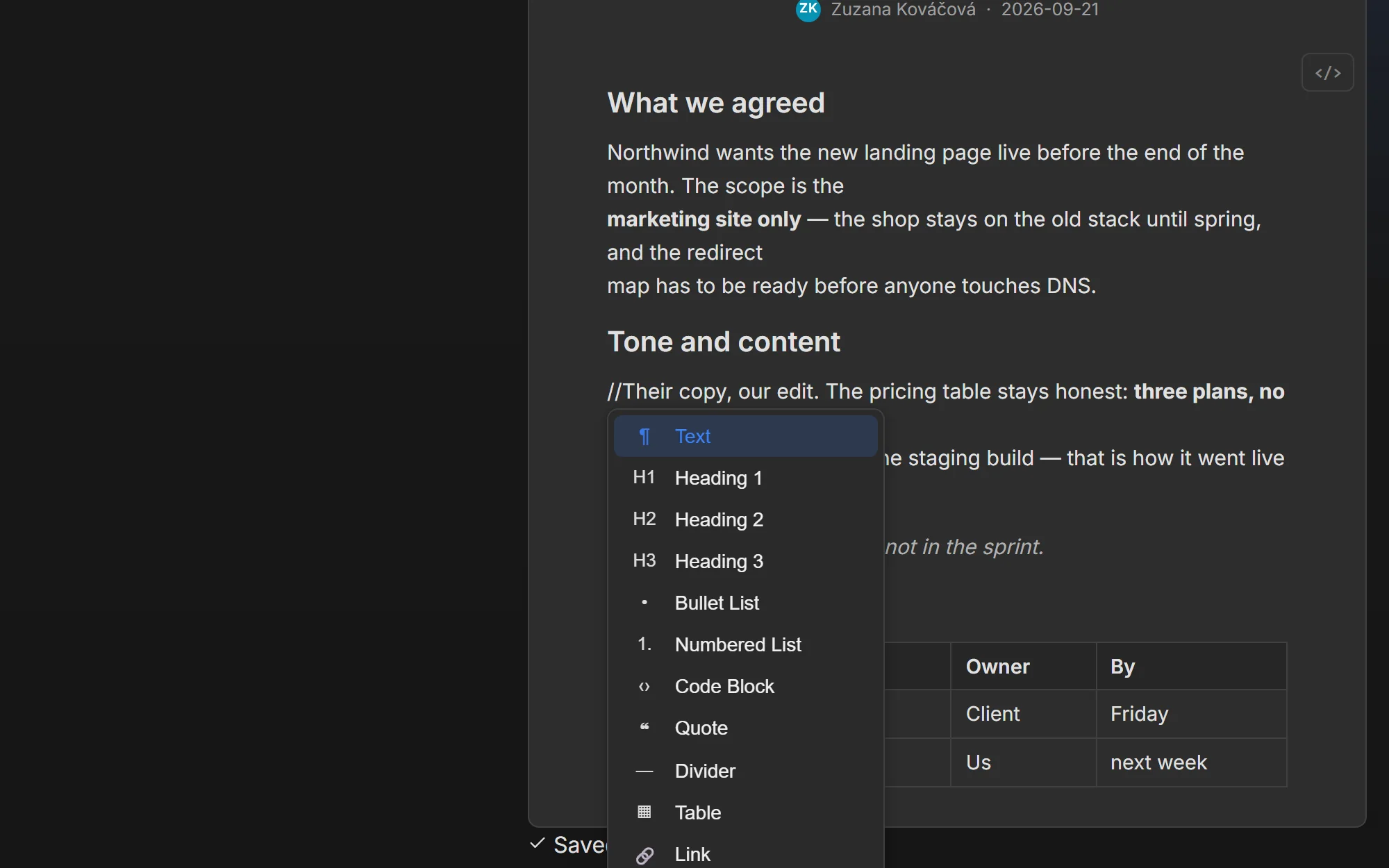
Notes that live where the tasks live
A full markdown editor — tables, images, code blocks, Mermaid diagrams — that lives inside the same workspace as the work it describes. A note can be private to you, locked so nobody edits it, or shared as part of the workspace feed, and every earlier version is kept with one-click restore.
- Markdown with tables, images and code blocks
- Flowcharts and other Mermaid diagrams, written as text with a live preview
- Private notes, and locked notes that nobody edits
- Version history with restore
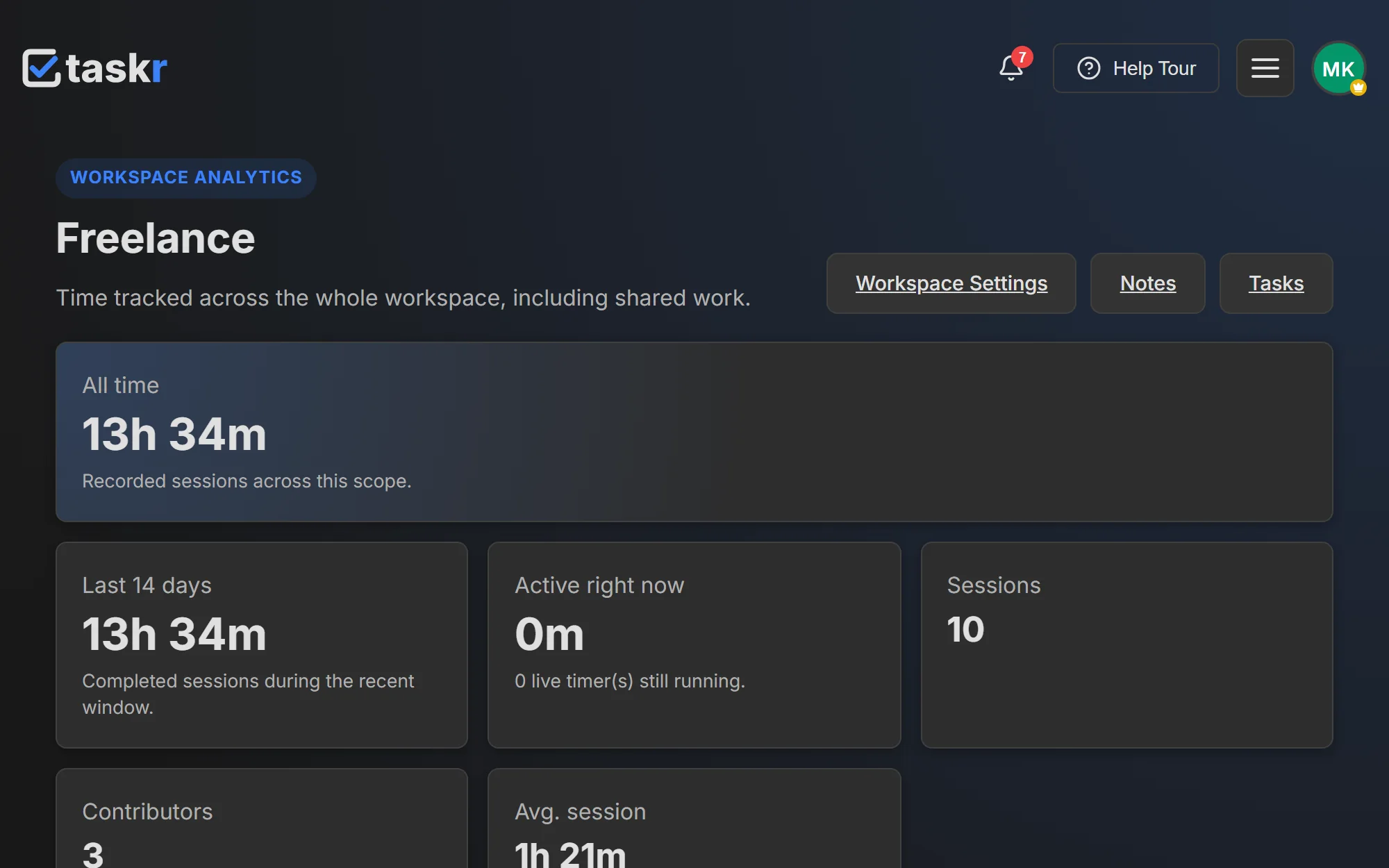
Time tracked per task, list and workspacePremium Plus
One running timer per person, always attached to a task. Time is rolled up per task, per list and per workspace, so reporting is never a second job — and in a shared workspace the same view shows who tracked what.
- One running timer per person, always tied to a task
- Per task, per list, per workspace totals
- See who worked on what in a shared workspace
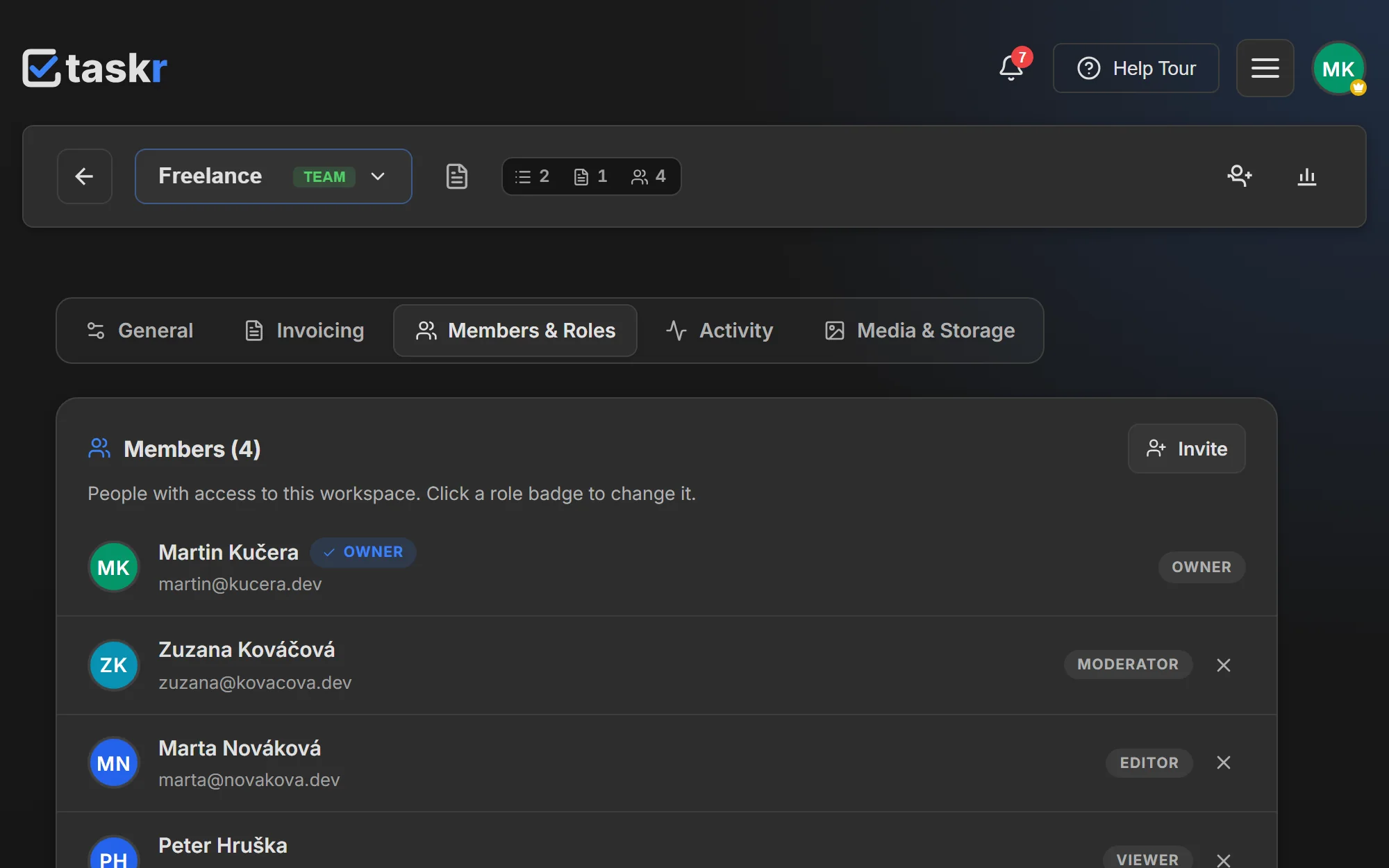
Shared workspaces with real rolesTeam
Invite people into a workspace as viewer, editor, moderator or owner, and decide how much each of them can change. Changes arrive in everyone’s board as they happen — no refresh, no export — and one seat covers a person across every workspace you share.
- Four roles, from read-only to owner
- Invite to a workspace, not to one task
- One seat per person, in however many of your workspaces
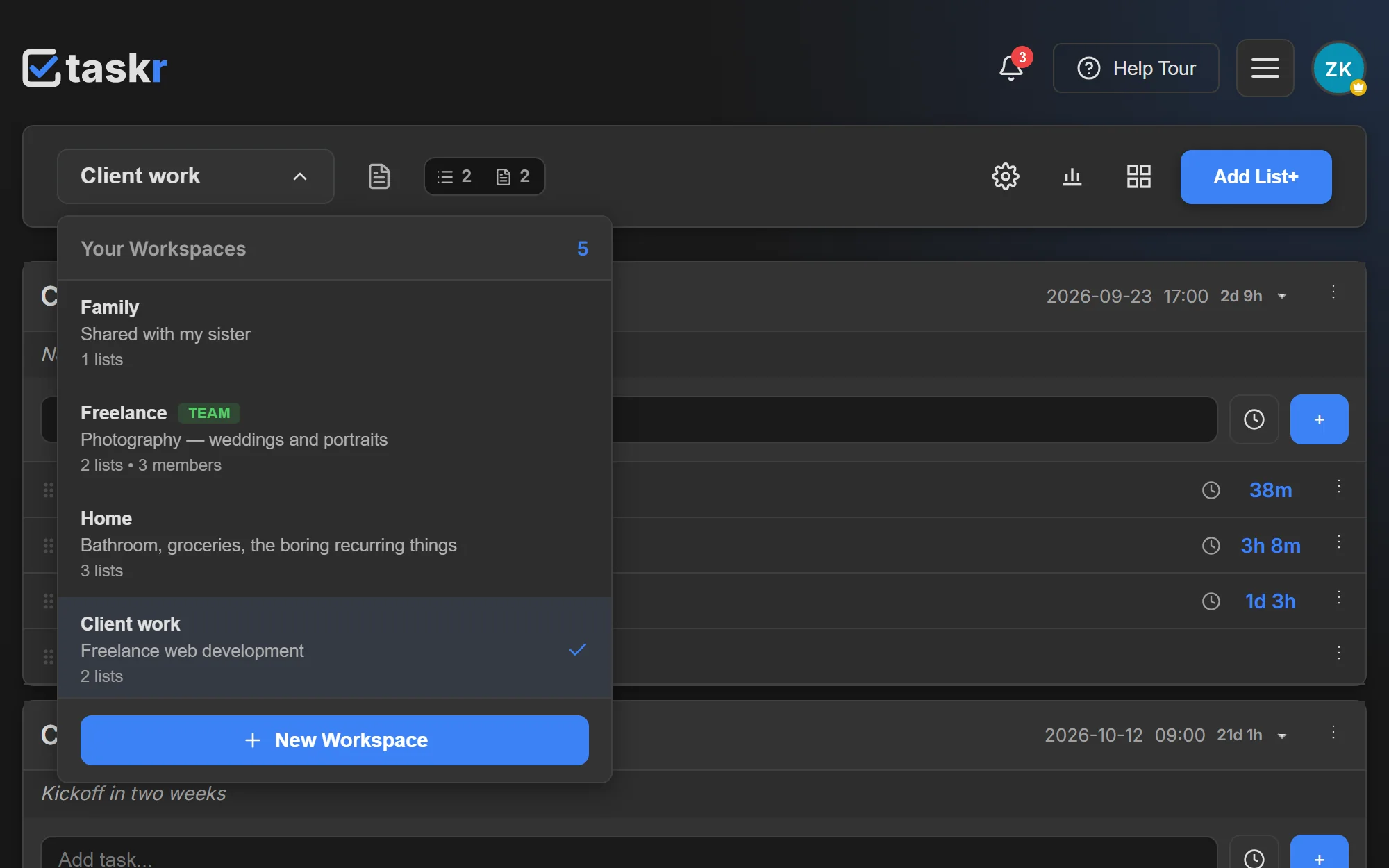
Work, study and home — kept apart
Each workspace keeps its own lists, notes and statistics, so a client project never mixes with your shopping list. Switch between them in one click from desktop or phone, and the counters you see always belong to the workspace you are in.
- Independent lists, notes and statistics
- One workspace per client, or one per area of life
- Switch in one click, from desktop or phone
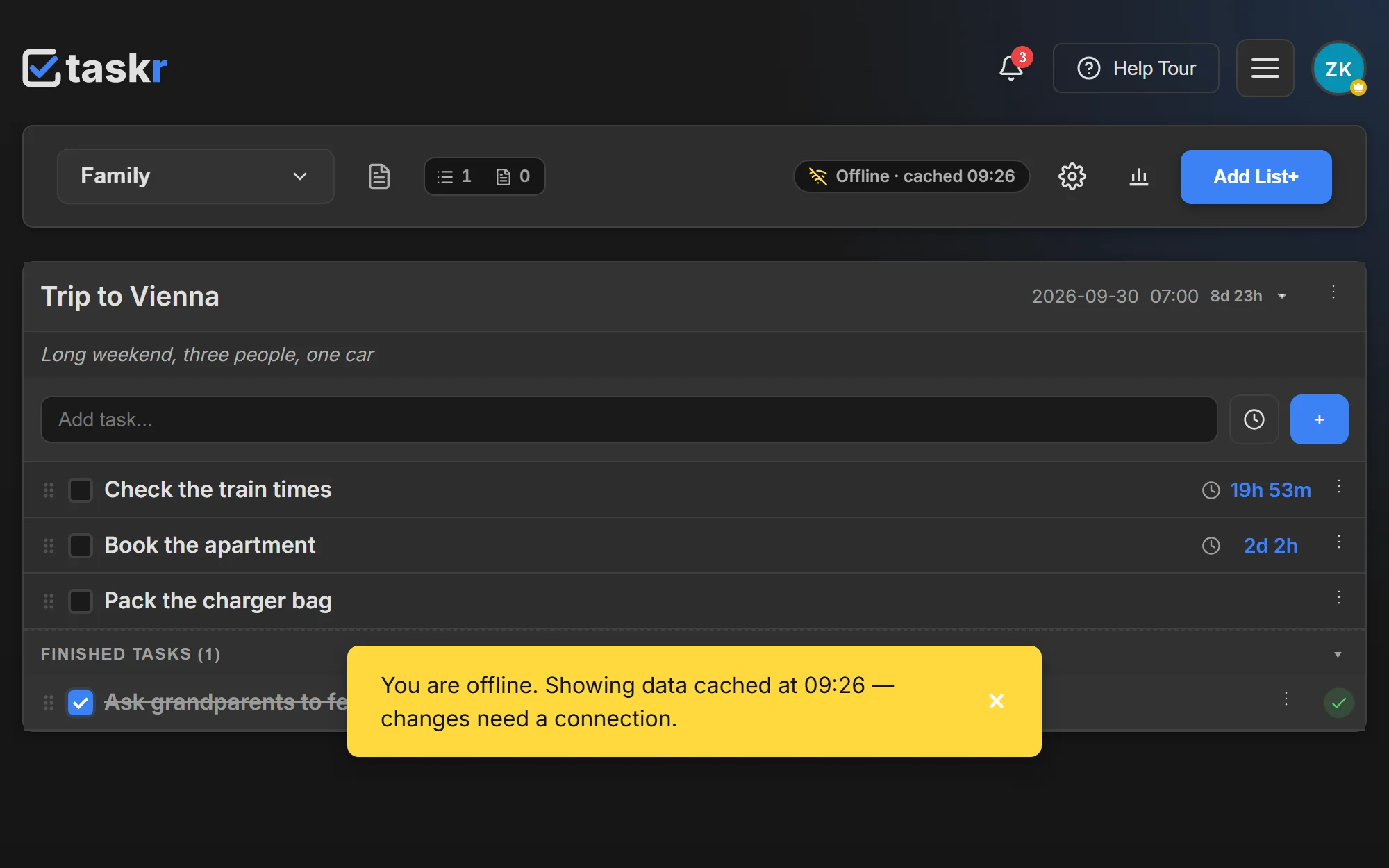
Offline-first on desktop and Android
Install Taskr from the browser and it behaves like an app: the workspace you have open — its lists, tasks and notes — stays readable with no connection at all. Editing needs a connection; the cached copy is refreshed the next time you are online.
- Installable on desktop and Android from the browser
- Read the cached workspace offline — editing needs a connection
- Server-side data: phone and desktop show the same board
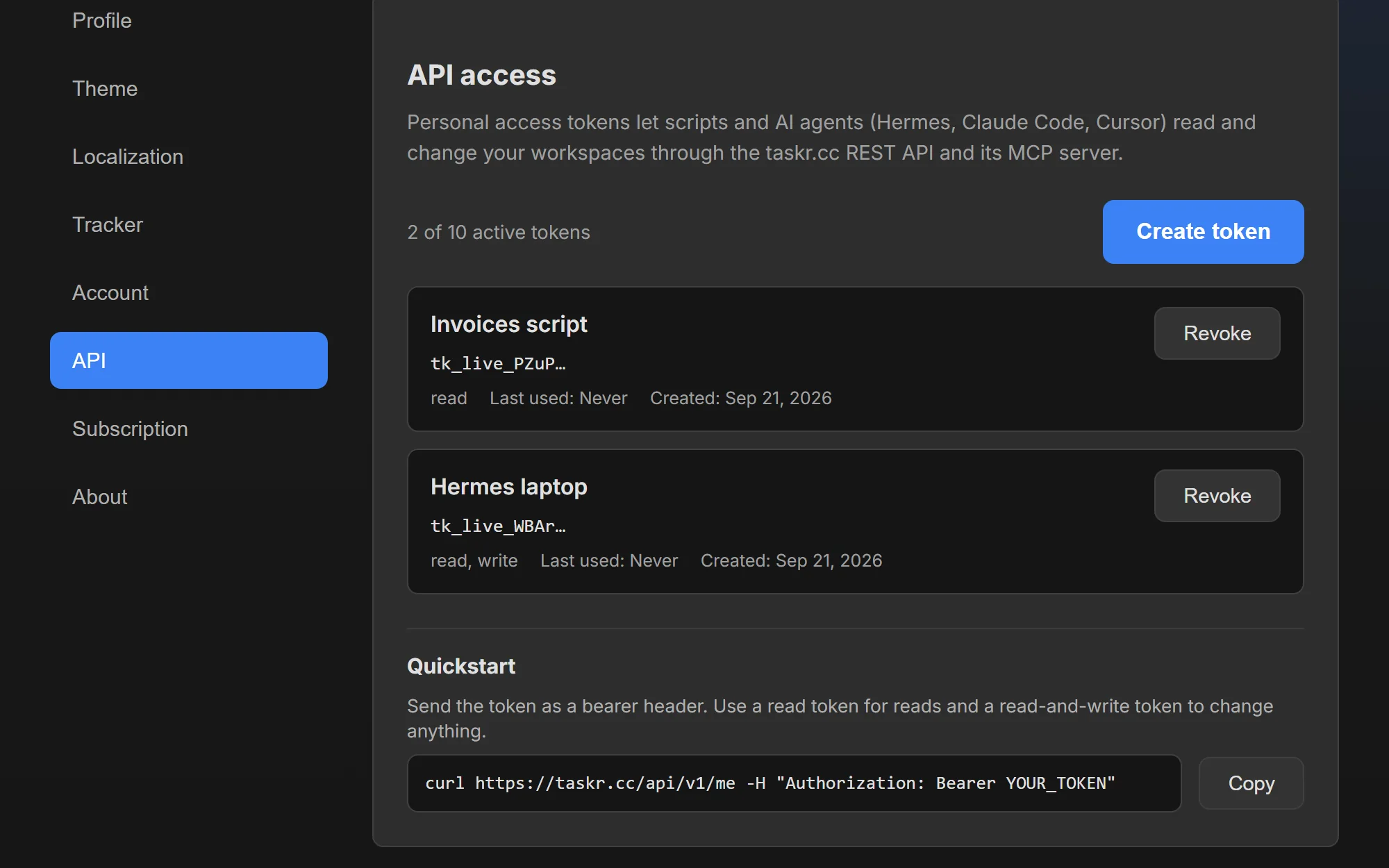
REST API v1 and an MCP serverPremium Plus
Scoped API tokens let a script read or write your lists, tasks and notes — and reach the same data the app uses, including tracked time and statistics. The same surface is exposed as an MCP server, so assistants such as Claude or Cursor can work on your board directly.
- Scoped tokens: read-only or read-and-write
- Lists, tasks, notes, tracked time and statistics
- MCP server for AI assistants, one tool per endpoint
Looking for the step-by-step version?
The features above are what the app does. The guides are how you do it — short, in the order you would click it.
Start with the part you need
The free plan covers countdowns, repeating tasks, notes and two lists in one workspace. Add time tracking, more workspaces or teammates when the work asks for it.